Medically reviewed by Dr. Leslie Kernisan, MD, MPH — Board-Certified Geriatrician · last reviewed April 24, 2026
How Voice-Activated Assistants Empower Seniors with Mobility Limitations to Live Independently
Discover how voice-activated assistants help seniors with mobility limitations maintain independence, safety, and connection at home.
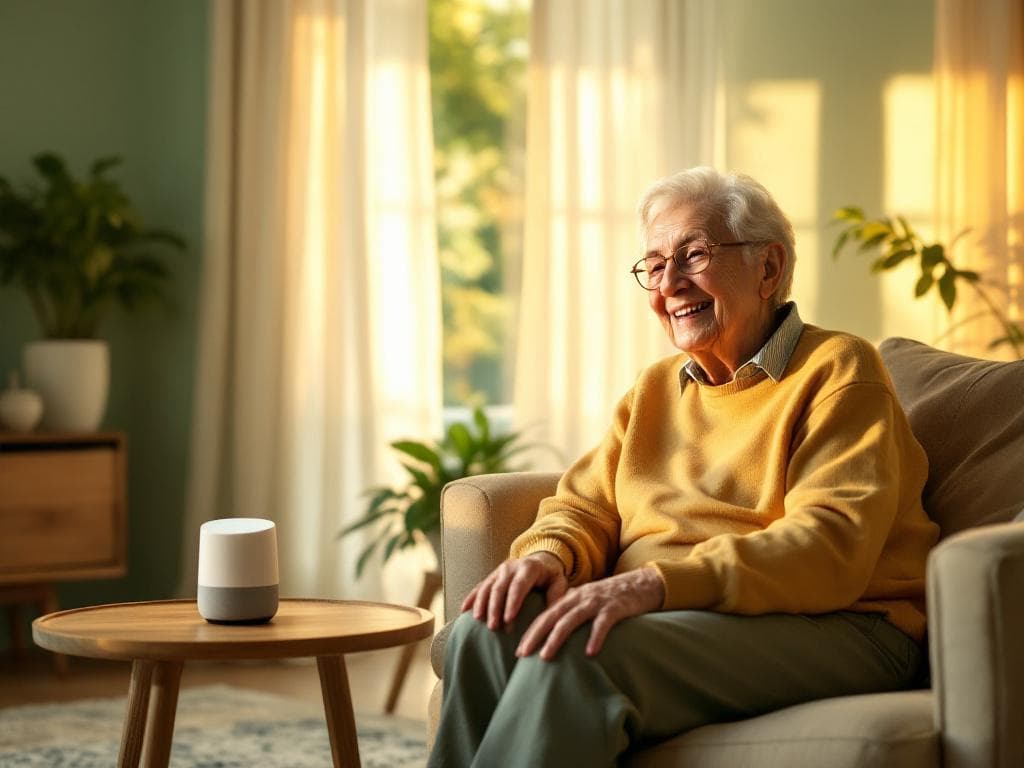
Introduction: The Power of Voice Technology for Aging in Place
For seniors with mobility limitations, simple daily tasks—like turning on lights, adjusting the thermostat, or calling a loved one—can become challenging. However, voice-activated assistants are transforming how older adults interact with their homes, offering a hands-free way to maintain independence, safety, and connection.
At Senior Care Companion, we’ve seen firsthand how these devices empower seniors to age in place with dignity. This guide explores the role of voice-activated assistants in enhancing independence for seniors with mobility limitations, including practical setup tips, top features to prioritize, and real-life success stories.
Why Voice-Activated Assistants Are a Game-Changer for Seniors
Mobility limitations—whether due to arthritis, Parkinson’s, or post-stroke recovery—can make even small movements difficult. Voice-activated assistants (like Amazon Alexa, Google Assistant, or Apple’s Siri) bridge this gap by allowing seniors to:
- Control smart home devices (e.g., lights, locks, thermostats) without physical effort.
- Access emergency help instantly with voice commands like, “Call 911.”
- Stay connected with family via voice calls or messages.
- Manage medication reminders and doctor’s appointments hands-free.
- Enjoy entertainment (e.g., audiobooks, music, or news) without fumbling with remotes.
For families, these devices provide peace of mind, knowing their loved one can summon help or complete tasks independently.
Top Voice-Activated Assistants for Seniors: Features to Compare
Not all voice assistants are created equal. Here’s a breakdown of the most senior-friendly options and their standout features:
1. Amazon Alexa (Echo Devices)
- Pros: Wide compatibility with smart home devices, drop-in feature for instant family check-ins, and Alexa Together for remote caregiving.
- Best for: Seniors who want a robust ecosystem of compatible gadgets (e.g., smart plugs, fall detection sensors).
- Senior Care Companion Tip: Enable “Alexa Guard” to detect glass breaking or smoke alarms and alert caregivers.
2. Google Assistant (Google Nest)
- Pros: Superior natural language processing (easier for seniors with speech difficulties) and seamless integration with Google services (e.g., calendar reminders).
- Best for: Seniors who use Google products (Gmail, Google Calendar) or need precise voice recognition.
3. Apple Siri (HomePod)
- Pros: Privacy-focused, works well with other Apple devices, and supports HomeKit for smart home control.
- Best for: Seniors already in the Apple ecosystem (iPhone, iPad) who prioritize security.
Practical Ways Voice Assistants Enhance Daily Life
Here’s how seniors can use voice technology to overcome mobility challenges in everyday situations:
1. Smart Home Automation
With voice commands, seniors can:
- Turn lights on/off (“Alexa, turn on the living room light”).
- Adjust thermostats (“Hey Google, set the temperature to 72”).
- Lock doors (“Siri, lock the front door”).
Actionable Tip: Start with affordable smart plugs (e.g., Kasa or TP-Link) to make lamps and appliances voice-controlled.
2. Emergency Assistance
Voice assistants can be lifesavers in emergencies:
- Program “Alexa, call my emergency contact” for hands-free dialing.
- Use medical alert integrations (e.g., Alexa + Life Alert) to summon help.
- Set up fall detection with compatible devices (e.g., Apple Watch).
Senior Care Companion Recommendation: Pair a voice assistant with a wearable medical alert button for layered safety.
3. Medication and Health Management
Missed medications are a common issue for seniors. Voice assistants can:
- Set daily reminders (“Alexa, remind me to take my blood pressure pill at 9 AM”).
- Track doctor’s appointments (“Hey Google, what’s my next appointment?”).
- Log symptoms (“Siri, add ‘dizziness’ to my health notes”).
Pro Tip: Use Alexa Skills like Medisafe or Pill Reminder for advanced medication tracking.
4. Social Connection and Mental Stimulation
Isolation is a major concern for seniors with mobility limitations. Voice assistants help by:
- Making voice or video calls to family (“Alexa, call my daughter”).
- Playing audiobooks or podcasts (“Hey Google, play ‘The Great Gatsby’”).
- Engaging in trivia or games (“Alexa, open Jeopardy!”).
Senior Care Companion Insight: Encourage families to schedule regular voice check-ins using the “Drop In” feature on Alexa.
Overcoming Common Challenges
While voice assistants are powerful, seniors may face hurdles. Here’s how to address them:
1. Speech Recognition Issues
Problem: Some seniors struggle with clear speech due to conditions like Parkinson’s or stroke.
Solutions:
- Train the assistant to recognize the senior’s voice (e.g., Google’s Voice Match).
- Use slower, deliberate speech and repeat commands if needed.
- Opt for Google Assistant, which has superior speech recognition for diverse voices.
2. Privacy Concerns
Problem: Seniors or families may worry about data security.
Solutions:
- Disable voice purchasing to prevent accidental orders.
- Regularly delete voice recordings in the device settings.
- Choose Apple’s HomePod for its strong privacy protections.
3. Technical Setup Difficulties
Problem: Seniors may struggle with initial setup or troubleshooting.
Solutions:
- Ask a family member or caregiver to assist with setup (Senior Care Companion offers tech setup support for clients).
- Use step-by-step guides from the manufacturer (e.g., Amazon’s “Alexa for Seniors” tutorials).
- Start with one or two simple commands (e.g., “turn on the light”) to build confidence.
Real-Life Success Stories
At Senior Care Companion, we’ve seen how voice assistants transform lives. Here are a few examples:
Case Study 1: Regaining Control After a Stroke
Client: Margaret, 78, struggled with limited hand mobility after a stroke.
Solution: Her family set up an Amazon Echo Show with smart plugs and a video doorbell. Now, Margaret uses voice commands to:
- Turn on her coffee maker in the morning.
- Call her physical therapist with a simple phrase.
- Answer the door without getting up.
Result: Margaret’s confidence soared, and her family felt reassured knowing she could summon help instantly.
Case Study 2: Combating Loneliness
Client: James, 82, lived alone and rarely left his home due to arthritis.
Solution: His caregiver introduced a Google Nest Hub with voice calling and audiobook features. James now:
- Calls his grandchildren daily using voice commands.
- Listens to mystery novels to pass the time.
- Sets reminders for virtual book club meetings.
Result: James reported feeling “less alone” and more engaged with his community.
How to Choose the Right Voice Assistant for Your Loved One
Selecting the best device depends on the senior’s needs, budget, and existing tech. Use this checklist to decide:
Step 1: Assess Needs
- Does the senior need emergency assistance? Prioritize Alexa with Alexa Together.
- Do they use Google or Apple products? Match the ecosystem.
- Is speech clarity a concern? Choose Google Assistant.
Step 2: Consider Budget
- Budget-friendly: Amazon Echo Dot ($50) or Google Nest Mini ($50).
- Mid-range: Echo Show 8 ($130) with a screen for video calls.
- Premium: Apple HomePod ($300) for privacy-focused users.
Step 3: Start Small
- Begin with one or two smart devices (e.g., a smart bulb and a plug).
- Gradually add more features (e.g., medication reminders, fall detection).
- Schedule a follow-up session to troubleshoot and expand usage.
Senior Care Companion’s Role in Supporting Independence
At Senior Care Companion, we believe technology should enhance—not complicate—senior care. Our caregivers are trained to:
- Set up and troubleshoot voice-activated assistants for clients.
- Integrate devices with smart home systems for seamless control.
- Educate seniors and families on best practices for using voice technology safely.
We also offer personalized tech consultations to help families choose the right devices for their loved one’s unique needs. Contact us to learn more about our services.
Final Thoughts: A Voice for Independence
The role of voice-activated assistants in enhancing independence for seniors with mobility limitations cannot be overstated. These devices restore autonomy, improve safety, and foster connection—all with the power of a simple voice command.
For families, the key is to start small, prioritize ease of use, and choose a device that aligns with the senior’s lifestyle. With the right setup, voice assistants can become an indispensable companion in the journey of aging in place.
Ready to explore voice technology for your loved one? Senior Care Companion is here to help—reach out today for a free consultation.
```